

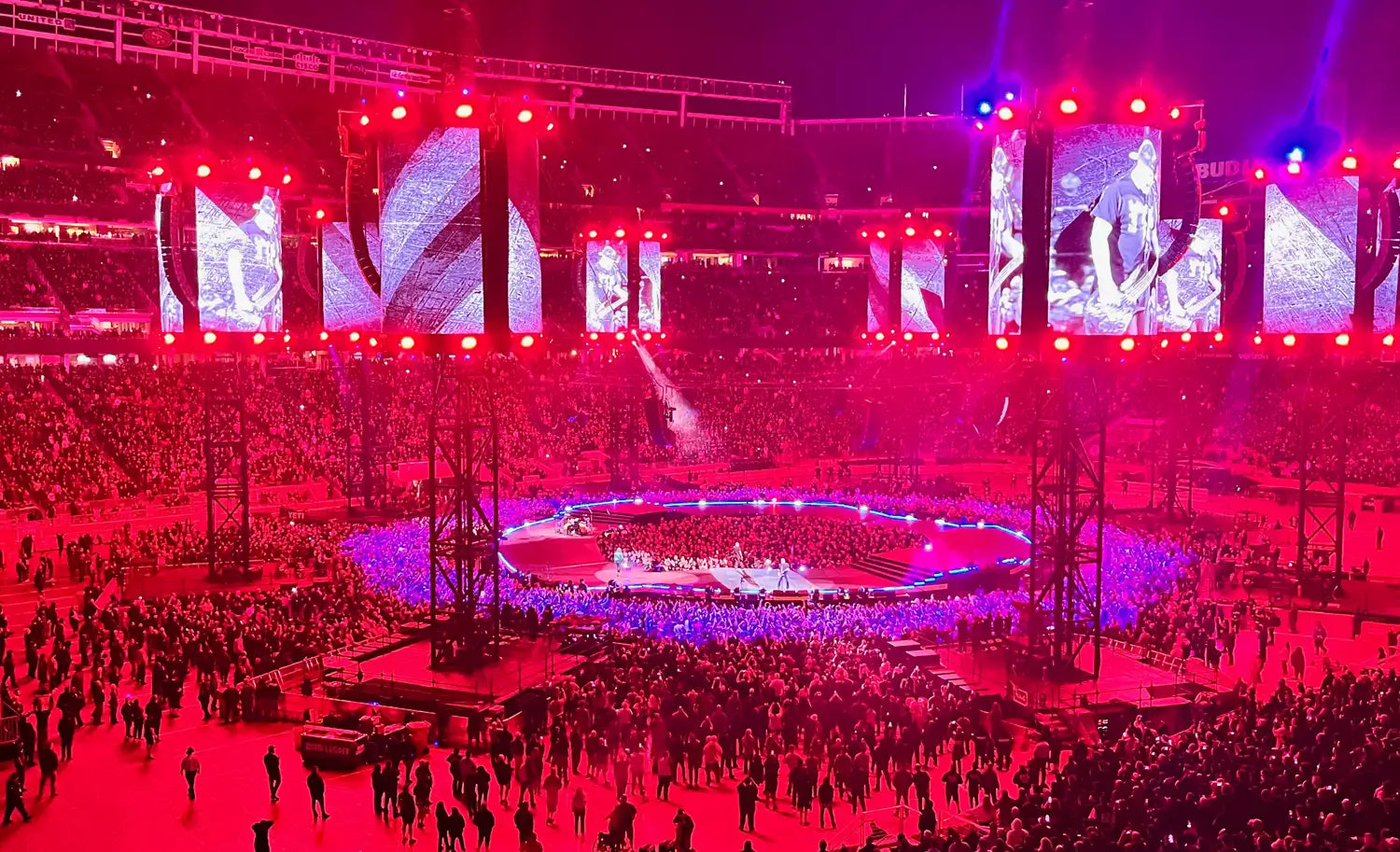
I was scrolling through my Photos app last week when something unexpected happened. A concert I'd attended three months ago surfaced with details I hadn't added. The venue. The date. The setlist. An Apple Music playlist tied to the show.
I didn't ask for this. My phone just... knew.
For about 30 seconds, I was impressed. Then I tapped through the details and realized what was missing. My iPhone knew I was there. It had no idea what being there actually meant.
What the iPhone Concert Feature Actually Does
Apple's Photos app now recognizes concert photos automatically. Using a combination of location data, timestamps, and (likely) venue databases, it can identify when you attended a live show and surface relevant information.
Here's what it pulls together:
- Venue and date from your photo metadata
- Setlist data from public sources (probably Setlist.fm, which has over 10 million setlists logged)
- Apple Music integration linking to the artist and related playlists
- Photo grouping so your concert shots appear together
For large venues with public event data, this works surprisingly well. If you saw someone at Madison Square Garden or Red Rocks, your phone probably knows about it.
This is genuinely useful. It's one of those features that makes you think, "Huh, that's clever." You get context you didn't have to create yourself.
But here's the thing: context isn't memory.
What Your iPhone Will Never Know
The feature captures the event. It doesn't capture the experience.
Your phone can tell you that you attended a concert at The Anthem in Washington, D.C., on September 14th. It can show you an 18-song setlist. It can link you to the artist's catalog on Apple Music.
It cannot tell you:
Who you went with. The friend who drove three hours to meet you there. The conversation you had during the opener about whether you should finally quit your job. The fact that this was the first show you'd been to since your dad passed, and he would have loved it.
How it actually sounded. Was the mix incredible, or were you stuck in a dead spot where the bass drowned everything else? Did the venue acoustics make the quiet songs land, or did crowd noise ruin them?
The moment you'll remember in 10 years. Somewhere in the middle of the set, something happened. Maybe the whole crowd sang so loud the artist stopped and just listened. Maybe the lights dropped and 15,000 phones lit up. Maybe you cried during a song you didn't expect to hit that hard. Your phone saw none of that.
Whether you'd see them again. Was this a "once is enough" show or a "I need to catch every tour" show? The setlist doesn't tell you. Only you know.
What the opener was like. Did you catch them? Were they better than expected? Did you buy their album afterward? Or did you show up late and miss them entirely? The public setlist data doesn't include your experience of the undercard.
You're standing in the parking lot afterward, ears still ringing, trying to explain to your friend why the third song hit so different. That moment isn't in any database. Apple can't surface it. Only you can capture it.
Why This Actually Matters
Concert memories fade faster than people expect. The emotional peak of a great show feels unforgettable in the moment. Six months later, you remember you were there. You don't remember what made it matter.
Research on autobiographical memory suggests that without deliberate encoding (writing it down, talking about it, revisiting it), even significant experiences blur and compress over time. The details that make a concert yours are the first to go.
iOS gives you proof of attendance. It doesn't give you proof of experience.
That's not a criticism of Apple. They built a clever feature that does exactly what it's designed to do: organize your photos and add context from public data. But public data is, by definition, not personal. The setlist was the same for everyone in that venue. What you felt during song seven was yours alone. For a tool that captures both the data and the experience, see our complete guide to the Concerts Remembered app.
What Actually Captures Concert Memories
If you want to remember more than the fact that you were there, you need something that captures what your phone can't see.
The Concerts Remembered app was built for exactly this. Where iOS captures the event, the app captures what it meant to you.
Who you went with: The app tracks companions, so you can see patterns over time. Who's your most frequent concert buddy? How many shows have you been to solo?
How you felt: A "When I Left I Felt..." field captures your immediate post-show mood. Emotion tags let you mark whether a show made you cry, lose your voice singing, or feel something you can't quite name.
Sound and performance: Rate sound quality, stage presence, audience energy, and more. When you're trying to remember if a venue is worth returning to, you'll have actual data.
The setlist, your way: Yes, you can log the setlist. But you can also mark which songs were your favorites, note any surprises, and record what they opened and closed with.
Photos that stay organized: Concert photos in your camera roll get buried. In the app, they're attached to the show where they belong, with a featured photo for each entry.
iOS knows the setlist. The app knows which song made you lose your mind.
They're Not Competitors
Here's the thing: the iPhone feature and a dedicated concert app aren't fighting for the same job.
iOS does discovery. It surfaces concerts you might have forgotten about, adds context you didn't have to create, and organizes your photos automatically. That's valuable.
A concert memory app does documentation. It captures the personal details that public data can't, builds a record you can revisit and share, and reveals patterns in your concert-going life over time.
Use both. If iOS surfaces a concert you forgot about, that's a prompt to go log it properly. If you've got a backlog of forgotten shows, see our guide on how to catch up on years of past concerts. Let Apple remind you. Then capture what only you know.
Frequently Asked Questions
What is the iPhone concert feature in Photos?
Starting with recent iOS updates, the Photos app can automatically recognize when photos were taken at a concert. It uses location data, timestamps, and public event databases to surface details like the venue, date, setlist, and links to Apple Music. The feature works best for large venues with publicly available event data.
Does the iPhone concert feature work for all concerts?
No. It works best for major venues and well-documented shows. If you saw a band at a 200-capacity club or a DIY house show, your phone probably won't recognize it as a concert. The feature relies on public data, which skews toward larger events.
Can I add my own concert memories to iPhone Photos?
Not really. You can add captions to photos, but there's no structured way to log ratings, memories, companions, or personal notes. The concert data iOS surfaces is read-only, pulled from external sources. If you want to add your own details, you need a dedicated app.
What's the best app for tracking concert memories?
Concerts Remembered is designed specifically for this. It lets you log every show with ratings, memories, setlists, photos, and companion tracking. It also surfaces insights about your concert-going patterns over time, like your most-seen artist, busiest concert month, and whether you're a "loyalist" or "explorer" in your music taste. Free on iOS and Android.
Should I use a concert app or a physical journal?
Both have their place. Apps are always with you, let you log quickly, and track stats automatically. Physical journals become artifacts you keep forever and don't compete with notifications. Some people use both: the app for quick logging and stats, the journal for deeper reflection on shows that really mattered.
How do I find concerts I forgot I attended?
The iPhone feature is one way. You can also dig through email archives (search "Ticketmaster" or "AXS"), check your Spotify listening history around specific dates, browse Setlist.fm for artists you know you've seen, or ask friends to check their photos. For a complete guide, see how to find your concert history.
Your Phone Knows You Were There. Do You?
The iPhone concert feature is a neat trick. It adds context to your photos without any effort on your part. But context isn't memory. Setlist data isn't experience. Public information isn't personal meaning.
If you want to remember more than the fact that you attended, you have to capture what your phone can't see. The people, the feelings, the moments that made it yours.
The Concerts Remembered app is free on iOS and Android. No ads, no subscription required. Just a place to keep what matters.
Your iPhone knew you went to a concert. Now make sure you remember it too.
Share: